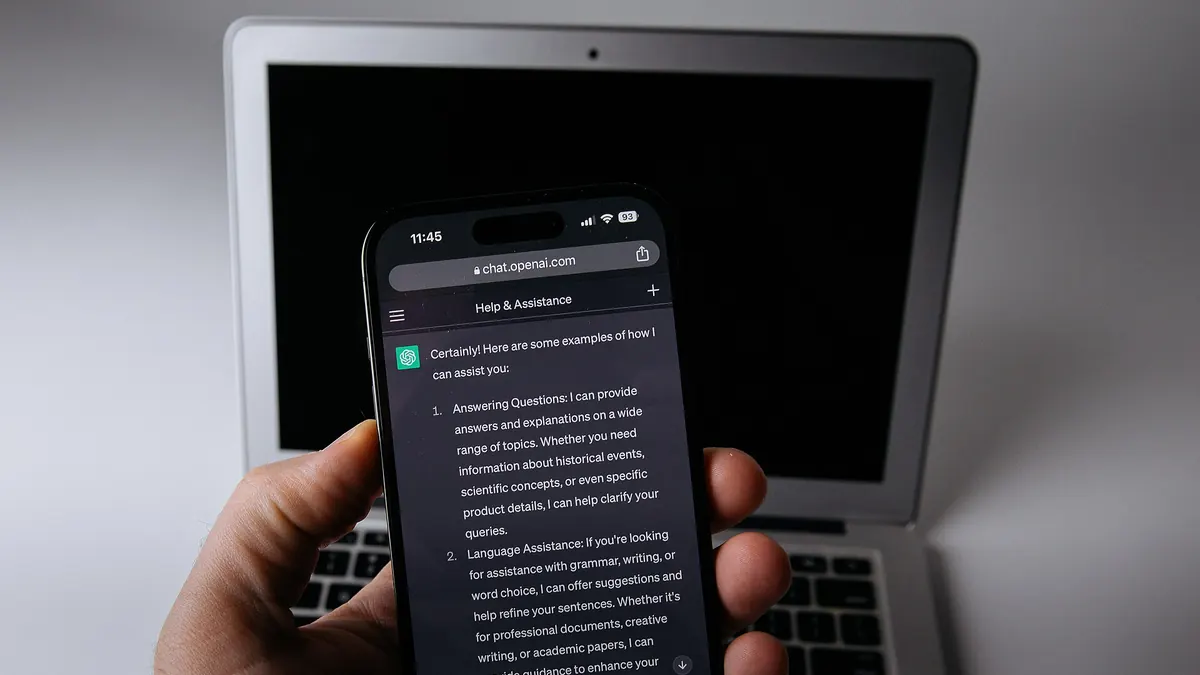

A conversation can contain a private project, sensitive notes or information you simply do not want visible in a sidebar. On October 20, 2026, OpenAI announced the gradual rollout of locked chats in ChatGPT. Selected conversations can be hidden from regular chat history and opened with a PIN or supported device authentication. The crucial distinction is that locking a chat does not delete it.
Source: help.openai.com: ChatGPT adds locked chats: what the PIN hides—and what it does not.
How locked chats work
According to OpenAI’s official release notes, users can select a lock option from a conversation’s more-options menu. Once locked, the chat no longer appears in ordinary history, pinned conversations or regular search. Opening it requires an account four-digit PIN or a supported authentication method on the user’s device.
The feature is rolling out to Free, Go, Plus and Pro users, with support announced across web, iOS, Android and desktop experiences. Gradual release means availability can vary by account and platform. A person who cannot see the option immediately should not assume that the company has withdrawn the feature.
Source: help.openai.com: ChatGPT adds locked chats: what the PIN hides—and what it does not.
A lock is not a deletion request
The new setting provides an additional barrier against casual access inside an account. It should not be described as a universal guarantee of anonymity, as end-to-end encryption for every conversation or as a command to erase the conversation from a company’s systems.
OpenAI says that existing retention and model-improvement settings do not automatically change when a chat is locked. Business, Enterprise and Edu environments also remain subject to their organizations’ retention and compliance requirements, as the corresponding official notes explain.
Source: help.openai.com: ChatGPT adds locked chats: what the PIN hides—and what it does not.
How to check availability
Open ChatGPT and look at the more-options menu for a conversation you want to protect. If Lock chat appears, follow the on-screen steps for the available authentication method. If it is absent, the rollout may not have reached your account or device yet.
It also helps to maintain device-level security, especially when using a shared computer or an unlocked phone. A chat lock can reduce casual exposure but cannot replace strong account protection and informed choices about what data to share.
Source: help.openai.com: ChatGPT adds locked chats: what the PIN hides—and what it does not.
What kind of privacy do you actually need?
Locking, archiving, deleting and changing data preferences solve different problems. The new feature mainly addresses visibility and access within the ChatGPT interface. Anyone handling confidential material should understand the platform’s data practices instead of assuming that a hidden item is permanently removed.
The useful takeaway: a PIN can protect access to selected conversations, but it does not, by itself, rewrite how the data is retained. That difference is essential to using the feature responsibly.
Source: help.openai.com: ChatGPT adds locked chats: what the PIN hides—and what it does not.